From request to ad on the wall.
Everything happens in the app: the booking, the payment, making the ad, delivery and proof. Here is the whole journey.
For advertisers
Find a space
Search near your customers. Each listing shows photos, size, opening hours, weekly foot traffic and price per week.
Choose your ad
Upload your own design, design one with the AI ad maker, or start from a template. We can make it for you, or you can supply it yourself.
Send a request
Pick a start date and how many 4-week blocks you want. You see the full price before you send it. Start dates are at least 10 days away, so there is time to make and deliver the ad.
Pay when approved
The space owner approves or declines. Your card is charged only when they approve.
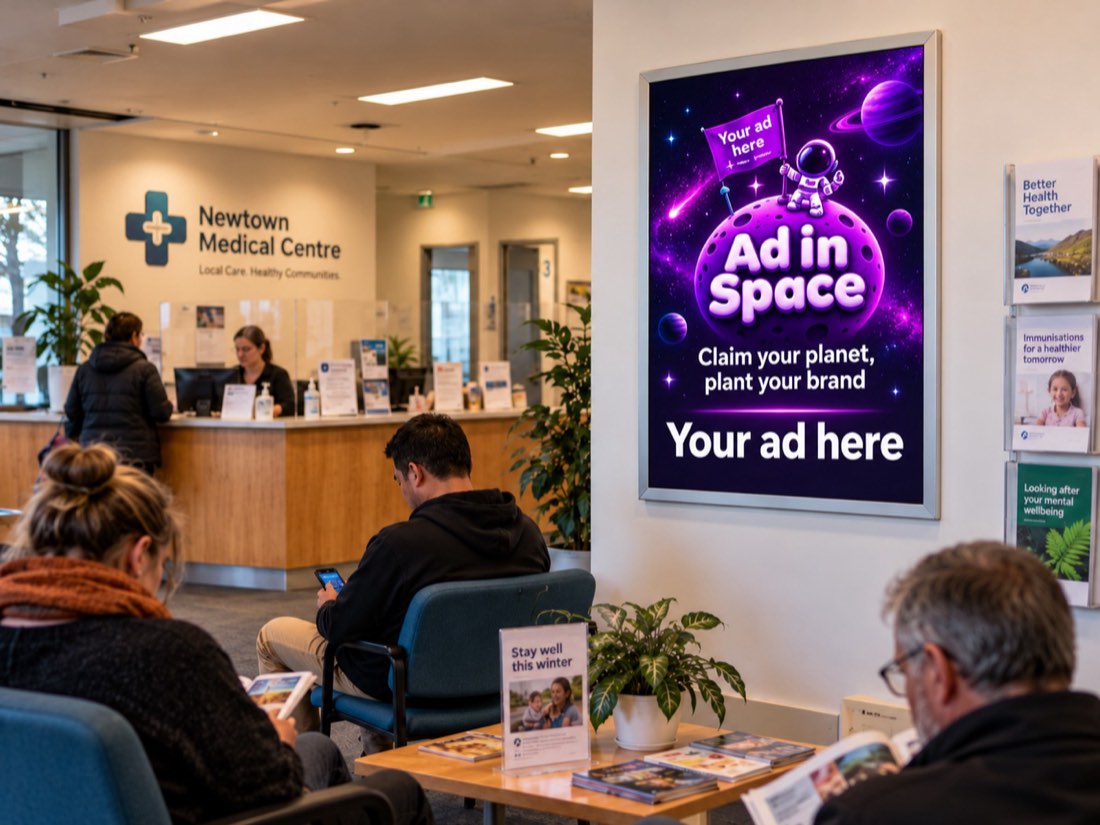
Your ad goes up
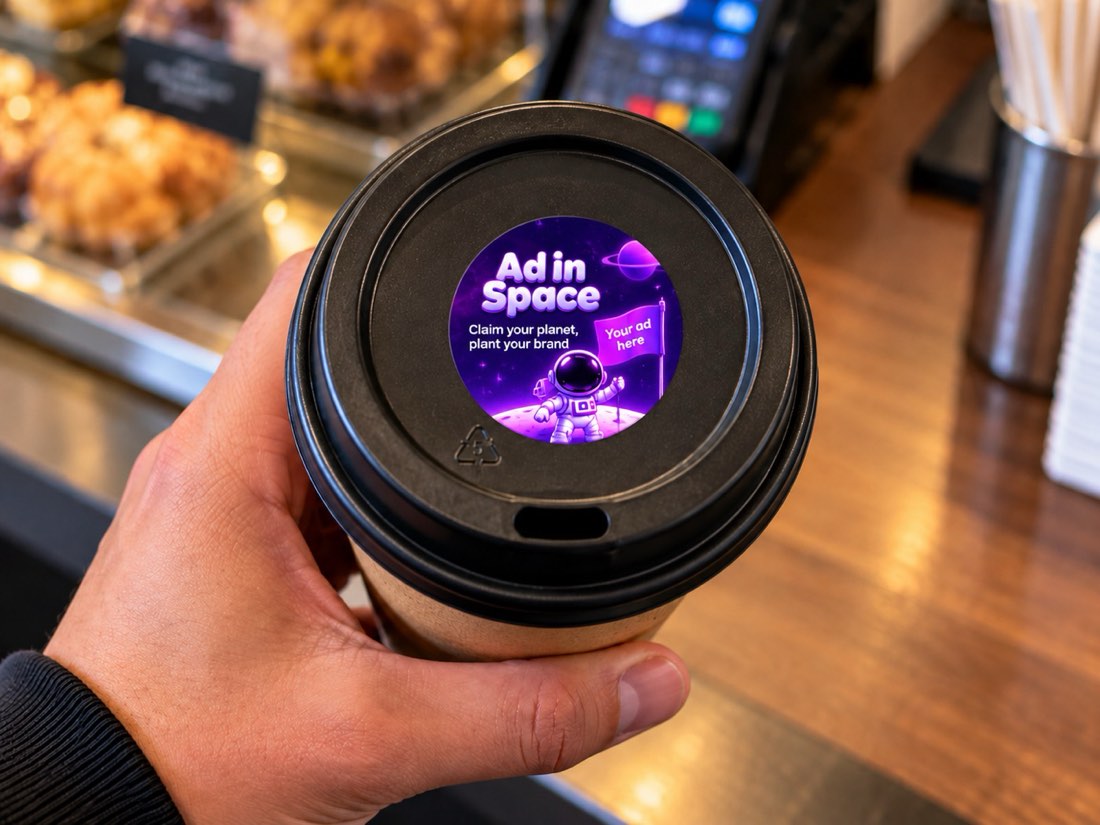
The ad is made and delivered to the space owner, who puts it up and sends install photos.
During the booking
Ask for a fresh photo of your ad once every 7 days.
When it ends
Choose in advance: the owner recycles the ad, keeps it for your next booking with them, or you collect it by courier.
For space owners
Get verified once
Film your space for up to 30 seconds in the app, inside and out, and save a card. It takes about two minutes. Our team checks the video.
List your space
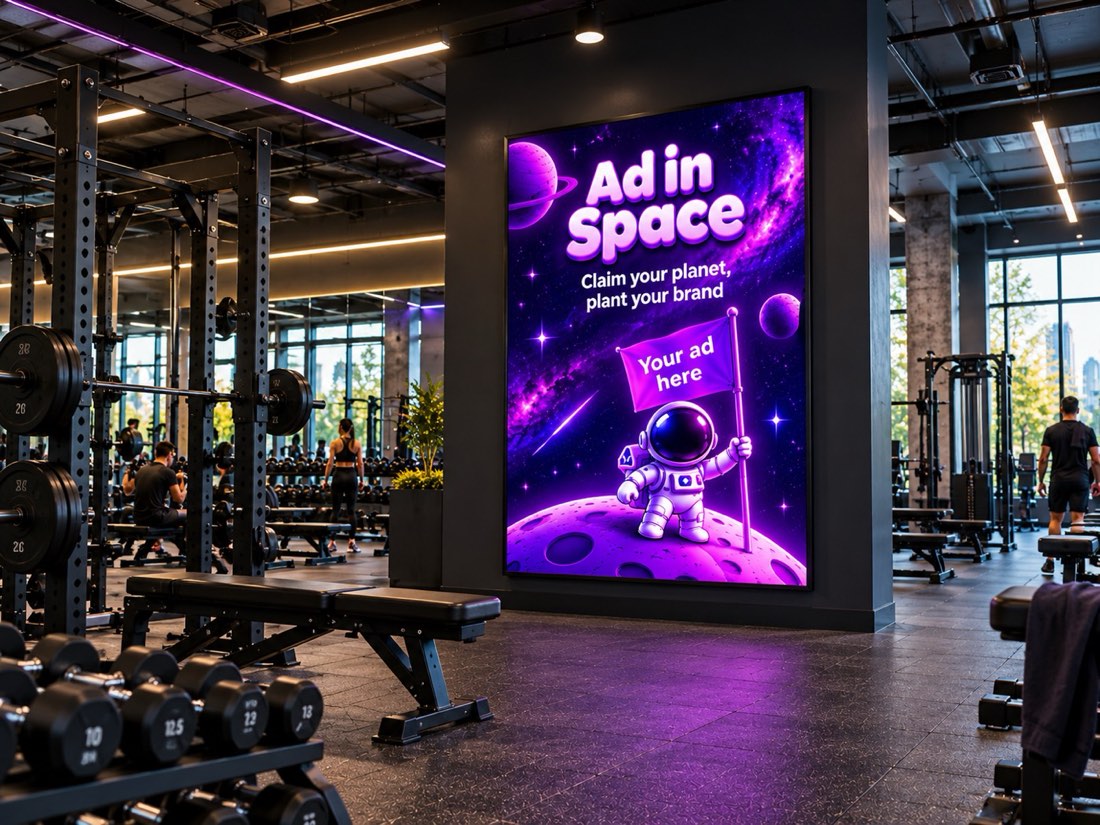
Add photos, the size, your opening hours and your weekly price. Listing is free.
Approve requests
You see each advertiser and their ad before you accept. Decline anything that does not suit your business.
Receive the ad
It arrives by courier, ready to put up. Confirm it arrived in the app.
Put it up
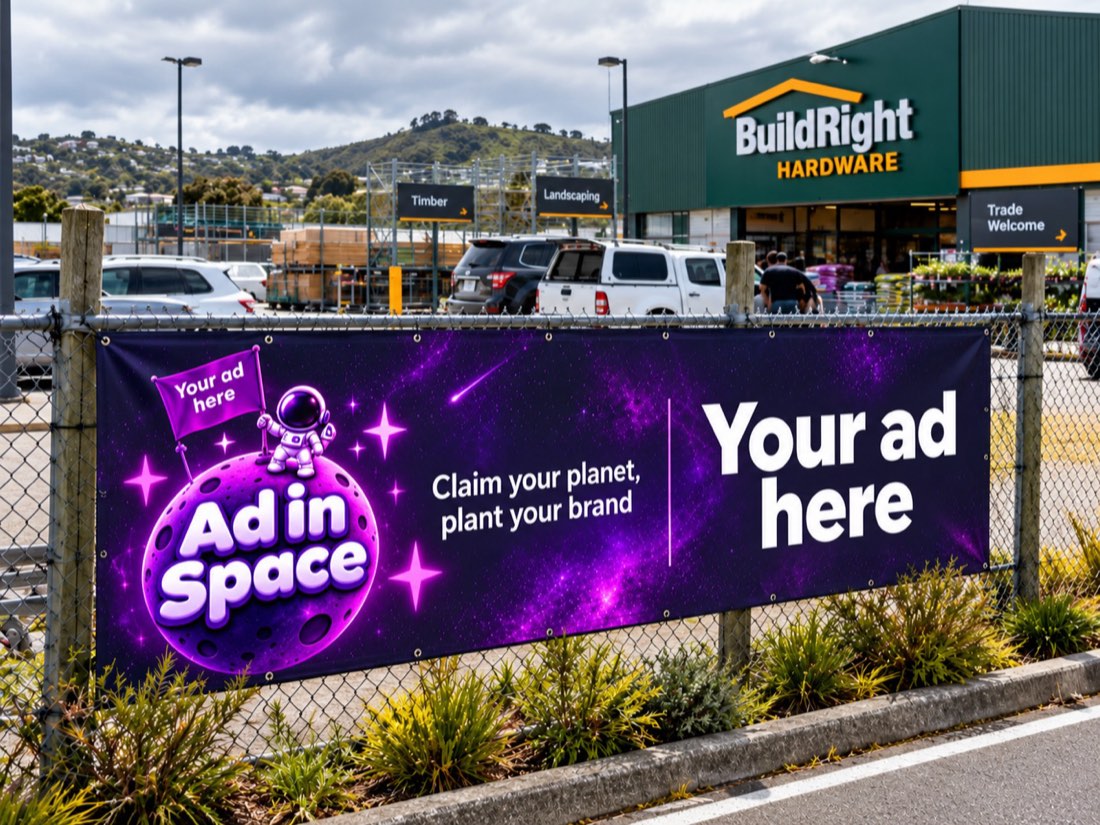
Install it in the listed space and take the photos the app asks for. Take it down when the booking ends.
Get paid
Your full price is paid to your bank account 3 days after the booking ends.
If plans change
Clear rules for both sides, shown in the app before anyone commits.
Advertiser cancels
Before approval, there is no charge. After approval, you get a refund of the booking total less the booking fee, until production starts. Add cancellation cover (6%) to cancel any time before the start date.
Space owner cancels
The advertiser receives a full refund, and we offer a similar space nearby. The owner receives a strike; at 3 strikes their listings are hidden.
We cannot deliver
If our production team cannot make the ad in time, the advertiser receives a full refund.
The exact rules are in our Terms of Service.
Get Ad in Space
Book space or list yours from your phone. Free to download.